Last updated November 25, 2026
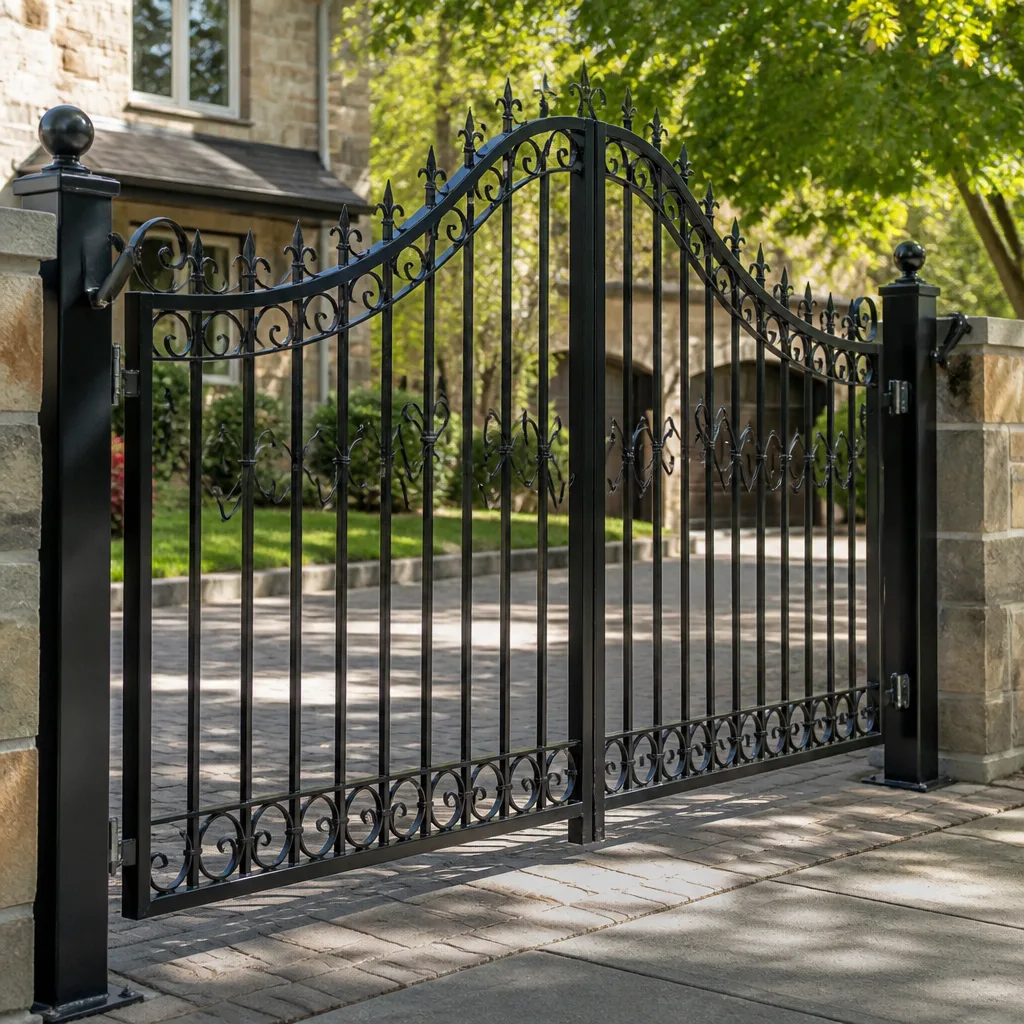 Wrought iron
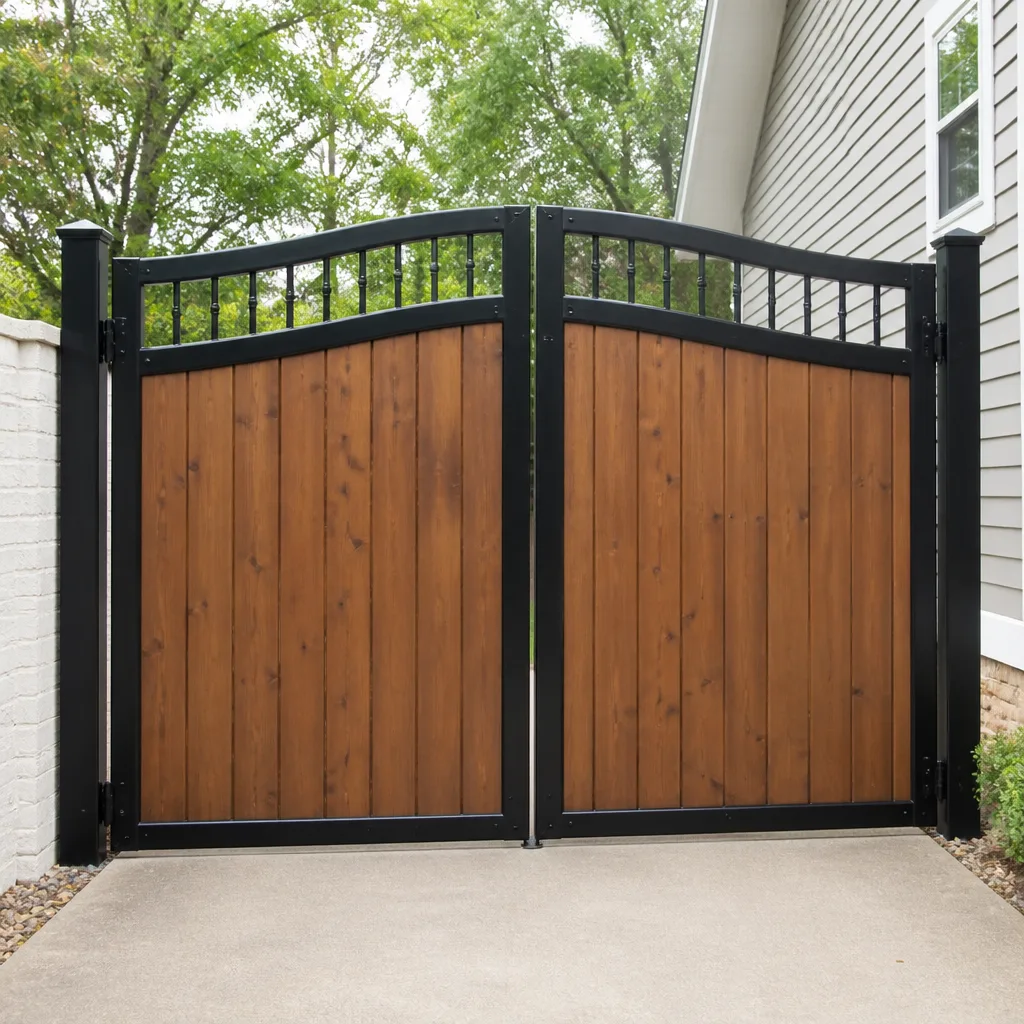 Wood & steel frame
 Farm & ranch
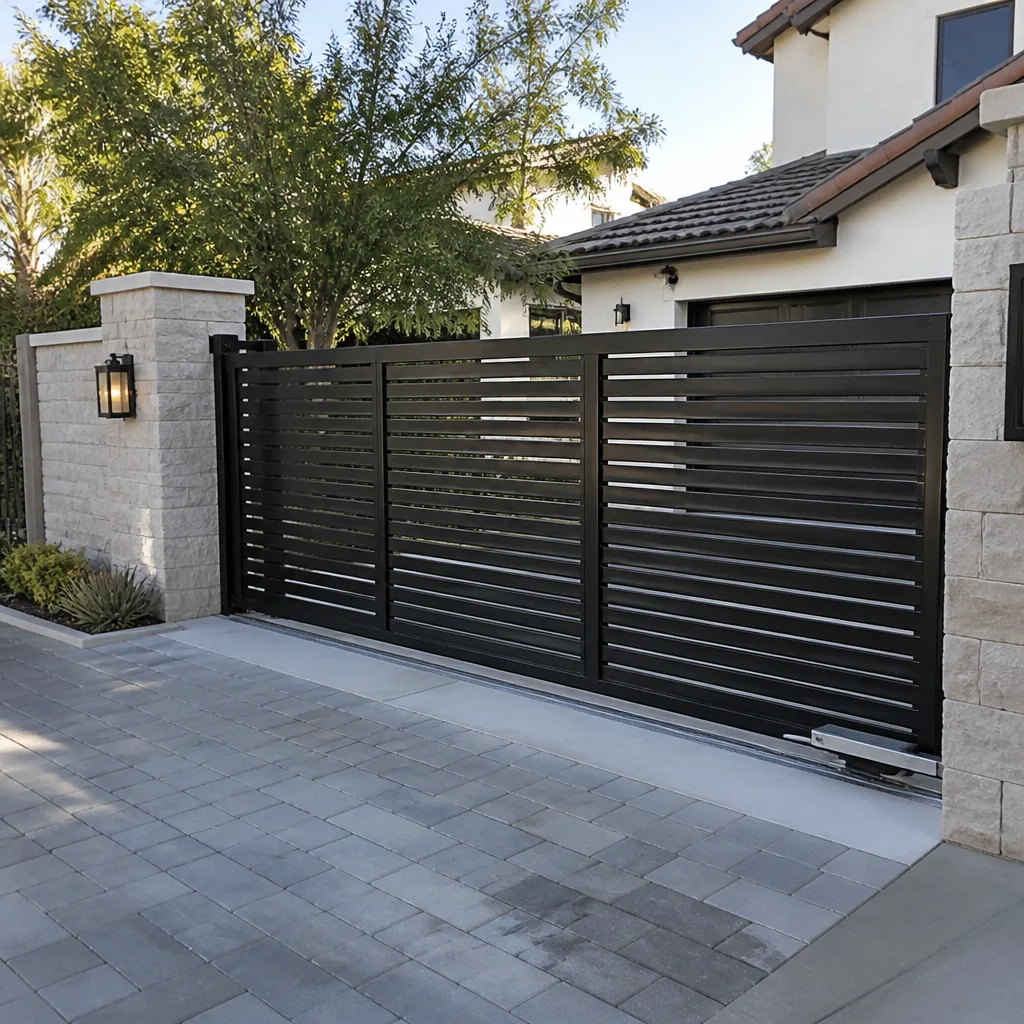 Sliding driveway gates
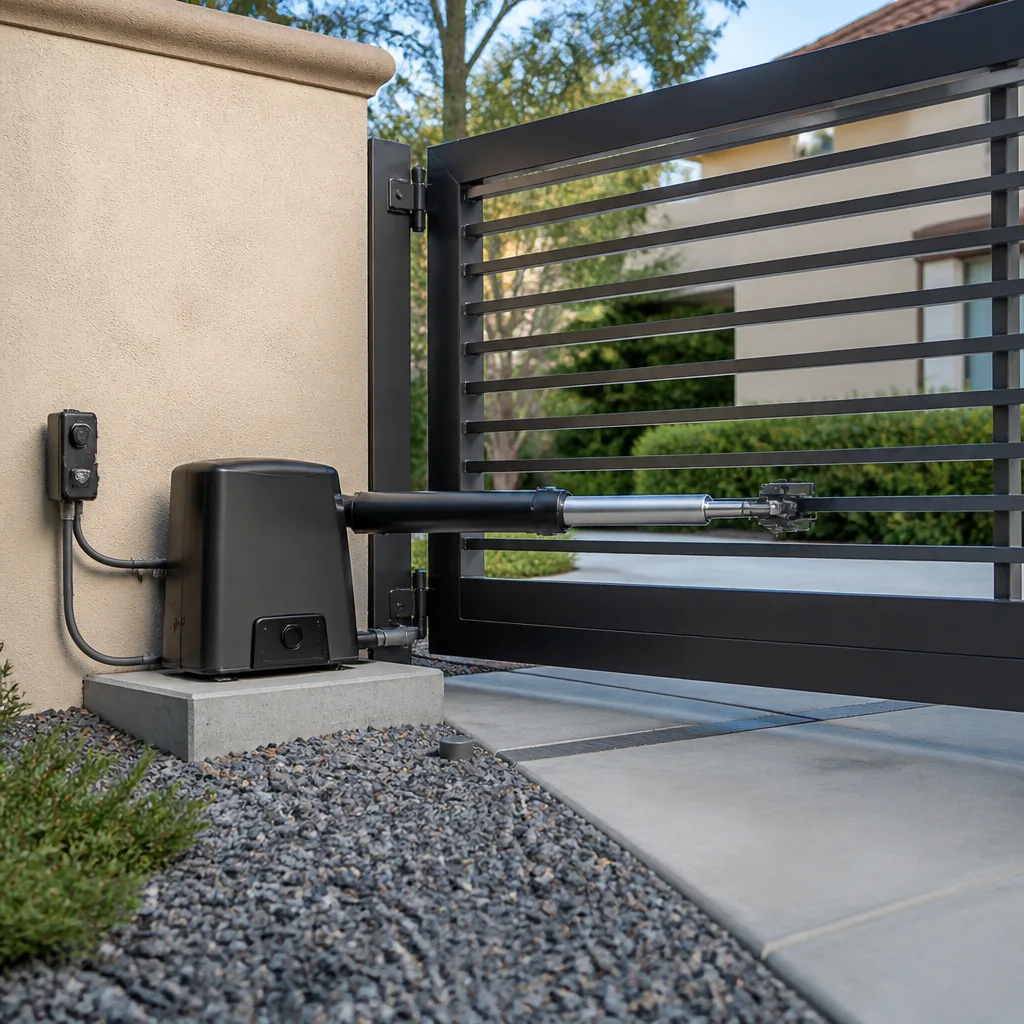 LiftMaster operators
Free on-site gate assessment - hinges, posts, and your LiftMaster or Nice gate operator checked before anything is quoted
The assessment is free and the quote is the invoice.
Get your free estimateGate Repair Warning Signs: A St. Johns Homeowner’s Reference Guide
A gate that hesitates for two seconds before it opens looks like a nuisance. It’s also the exact symptom that often precedes a motor burnout, which costs several times more to fix and leaves you with a gate stuck in the closed position. Most homeowners in St. Johns wait for a gate to stop working entirely before they call anyone, and by then a small adjustment has turned into a control board replacement. The trick is knowing which symptoms mean “call today” and which mean “add it to the next service visit.” This guide sorts gate warning signs into three urgency tiers, explains what’s different about automated gates versus manual ones, and shows you what to document so a technician can triage the problem before arriving. We work on gates in St. Johns every week, and these are the patterns we see most.
Quick Answer
The warning signs that demand same-day attention are: a gate that reverses without obstruction, a motor that smells hot or hums without moving the gate, a gate that has dropped on its hinges, and any exposed wiring at the operator. Slower-developing signs, like a two-second delay before opening, a remote that works only up close, or a gate that drags at one point in its travel, should be scheduled within the week before they escalate. Cosmetic issues, like faded paint or a slightly noisy roller, can wait for a routine service visit. When in doubt, call (833) 513-9268 for a free estimate.
Styles & brands we work with
- Wrought iron
- Wood & steel frame
- Farm & ranch
- Sliding driveway gates
- LiftMaster operators
Table of Contents
- Tier One: Warning Signs That Need a Call Today
- Tier Two: Functional Degradation That Will Escalate
- Tier Three: Cosmetic and Low-Priority Items
- Automated vs. Manual Gates: Why the Symptoms Differ
- Misalignment vs. a Moving Post Foundation
- Brand-Specific Warning Signs: LiftMaster, FAAC, and Viking
- What to Document When You Spot a Warning Sign
- How to Build a Simple Triage Routine
Tier One: Warning Signs That Need a Call Today
These are the signs that put people or property at risk, or that indicate a failure already in progress. If you see any of them, stop using the gate and call a gate specialist. In St. Johns, where many driveways slope toward the street, a gate that fails in the open position can leave a driveway exposed for hours, and a gate that fails closed can trap a vehicle. Both are worth treating as urgent.
- The gate reverses without touching anything. A safety sensor or loop detector is failing, or the control board is misreading a signal. This is the most common cause of a gate that closes on a car.
- The motor hums but the gate doesn’t move. Something is binding, the drive gear is stripped, or the operator’s capacitor has failed. Running the motor in this state can burn out the windings.
- You smell burning or hot plastic near the operator housing. Stop using the gate immediately. Overheating wiring or a failing board is a fire concern, not a repair to defer.
- The gate has dropped visibly on its hinges or is dragging on the ground. A heavy panel swinging on a compromised hinge can tear free. Keep people and vehicles clear.
- Exposed wiring is visible at the operator, keypad, or along the gate path. Automated gates run on line voltage. Do not touch exposed conductors and do not attempt to repair them yourself.
- The gate slams shut instead of easing into the closed position. A failed close-limit or a broken hydraulic arm means the gate is arriving at full speed, which is dangerous for anyone in its path.
Anything involving the operator’s power supply, the control board, or the safety devices is not a DIY job. Line voltage at an automated gate can injure or kill, and a misadjusted safety edge defeats the one feature that keeps a gate from crushing a person or a pet. The right move is to shut the gate down at the breaker and call a trained technician. We handle electric and automated gate failures as a matter of course, including control boards, sensors, and loop detectors, so we can diagnose these quickly. If your gate is in Tier One, call (833) 513-9268 and describe what you’re seeing.
Tier Two: Functional Degradation That Will Escalate
Tier Two signs don’t stop the gate today, but they almost always get worse. Left alone, each of these turns into a Tier One failure or a much larger repair. In our experience, the two-second hesitation that opens this guide is the classic example: a gate that pauses before moving is often fighting friction in the track or a motor that’s drawing more current than it should. That extra current cooks the board over time. Scheduling a gate motor & opener diagnostic within the week usually catches it before the board fails.
Other Tier Two signs we see on gates around St. Johns:
- The remote works only when you’re close to the gate. A weakening receiver, a dying battery, or antenna interference. Rarely urgent, but it’s the first sign of an access control problem.
- The gate drags or hesitates at the same point in its travel every time. A worn roller, a bent track section, or a hinge that’s working loose. The gate is telling you exactly where the problem is.
- The keypad or intercom responds intermittently. On a gate installation with access control, a keypad that only works some of the time usually means a failing component or a wiring connection that’s loosening.
- The gate opens fine but closes slowly, or vice versa. One direction working better than the other points to a limit switch or a hydraulic arm that’s losing pressure.
- You hear a new rattle, squeal, or grinding noise during travel. Noise is the gate’s way of reporting friction. It’s cheap to fix now and expensive to fix after metal-on-metal wear sets in.
- The gate no longer sits level when closed. A gate that used to line up perfectly and now sits a half-inch off is moving, and that’s a foundation question (see below).
None of these require a same-day call, but none of them should wait a month, either. Book them for the coming week and give us a description of the symptom when you call. A gate specialist can usually tell from your description whether it’s a mechanical adjustment or an electronics issue, and that changes what parts and tools come to the visit.
Tier Three: Cosmetic and Low-Priority Items
Tier Three covers the signs that don’t affect safety or function. They’re worth noting, but they don’t warrant a dedicated service call on their own. In St. Johns, where winter rain and summer heat work on outdoor metal, these are the small things that quietly accumulate: a squeaking hinge, a faded finish, a slightly loose handle, a gate that’s a little noisier than it used to be. Add them to a list and hand that list to the technician the next time you have the gate serviced for something else.
- Faded paint or surface rust on the gate panels. Cosmetic, though rust left long enough becomes structural. Touch up bare spots when you notice them.
- A squeak at one hinge. Worth a note, worth a look at the next visit. A single squeak isn’t a hinge failure.
- A gate that’s slightly noisier than it used to be. Note the location of the noise. It’s usually a roller or a track section, and it’s a five-minute adjustment when the technician is already there.
- A remote with a worn button or a keypad with a sticky key. Annoying, not urgent. Replace at the next service visit.
- Loose fasteners you can see but the gate operates fine. Note them. If the gate is otherwise fine, don’t tighten them yourself to the point of over-torquing and stripping the thread.
The point of Tier Three isn’t to ignore these items. It’s to keep you from paying for a service call to fix a squeak when you could bundle it into a visit you’re already making. Gate repair visits priced per job are cheaper when they cover more than one thing, and it keeps the gate on a consistent schedule.
Automated vs. Manual Gates: Why the Symptoms Differ
A manual gate and an automated gate fail in different ways, and the diagnostic response is different too. On a manual gate, most warning signs are mechanical: a hinge wearing, a latch not catching, a gate sagging. On an automated gate, the mechanical failures are joined by a whole layer of electronics: the motor, the control board, the safety devices, the access control. These interact. A mechanical drag that wouldn’t matter on a manual gate will overheat an automatic operator; a control board fault can make a perfectly healthy gate behave like it’s misaligned.
That’s why the first question a technician asks about an automated gate is whether the problem is mechanical or electrical. Here’s how the same symptom translates differently:
- “The gate won’t open” on a manual gate: the latch is stuck, a hinge has seized, or the gate has settled and is dragging.
- “The gate won’t open” on an automated gate: could be any of the above, plus a dead motor, a failed control board, a tripped breaker, a limit switch out of position, a safety sensor that’s seeing an obstruction, or a remote that has lost its pairing. The mechanical part of the diagnosis is often the easy one.
- “The gate reverses” doesn’t happen on manual gates at all. Reversal is an electronic behavior. It’s always a sensor, loop, or board problem.
- “The gate is noisy” on a manual gate: a roller, a hinge, or a track. On an automated gate, add a failing drive gear and a motor running out of square to the list.
In St. Johns we see automated gates on most residential driveways and virtually every HOA entry, and the failure pattern reflects that. A technician trained on manual gate repair alone will get partway through the diagnosis and then hand off. A gate specialist expects the mechanical and electrical layers to be tangled and can follow the fault from the keypad to the motor to the pivot without stopping. That’s why we stay gate-only: Gate Repair St. Johns handles both layers of the same call.
Misalignment vs. a Moving Post Foundation
A gate that’s out of square has settled, worn at a hinge, or shifted at the post. A gate whose post foundation is moving is a structural problem that no hinge adjustment will fix. Telling the two apart is the most important triage decision a homeowner makes, because one is a service call and the other is a different kind of job altogether.
How to tell them apart:
- Watch the gate over several cycles. A misaligned gate has a fixed offset. The top of the gate sits a half-inch low in the same spot every time. A moving gate gets worse over the course of a few days or weeks.
- Check the post for a visible gap at the ground. A clean, solid joint between the post and the concrete is a good sign. A visible crack, gap, or ring of disturbed soil around the post base is not.
- Look at the concrete footing itself. Is the concrete cracked through, or has one edge lifted? A footing that has moved is the cause of the gate being out of square, not a symptom of something else.
- Check the gate’s alignment after a heavy rain. A gate that sits differently after wet weather and re-levels when things dry out is responding to soil movement, which is the strongest signal of a foundation issue.
- Compare the gate’s closed position to its open position. A hinge problem usually shows up worse in one direction. A foundation problem usually distorts both.
If you suspect a moving foundation, stop adjusting the hinges. Tightening hinges on a gate whose post is moving just masks the problem for a few weeks. A gate specialist will check the footing and tell you whether the fix is a hinge adjustment, a post reset, or something else. In St. Johns we see this most on older properties where the original concrete has weathered, and on any post that was set without proper footing depth. Calls that start as a gate alignment issue sometimes turn into a post reset, and the sooner that’s identified the less sheet metal gets bent in the meantime.
Brand-Specific Warning Signs: LiftMaster, FAAC, and Viking
Different brands fail in different ways, and knowing the brand’s characteristic failure pattern saves time. We work on the major brands, and our technicians have up to 11 years of experience across them. Here’s how the same complaint shows up on equipment from three brands we work on regularly.
LiftMaster. Safety sensor failure is a LiftMaster theme. The symptom: the gate refuses to close, or closes a few inches and reverses. The LEDs on the sensor housings will tell you which sensor is unhappy, but the cause is usually a misaligned sensor, a sun-facing lens getting blinded, or a wire that’s chewed by weather or rodents. A LiftMaster gate that reverses with no obstruction is almost always a sensor or wiring issue, not a motor problem.
FAAC. Control board faults are common on FAAC operators. The symptom: the gate behaves erratically, opens halfway, reverses at odd times, or stops responding to any input. FAAC boards are sensitive, and a small short or a failing capacitor can produce symptoms that look like a mechanical problem. A FAAC that “forgets” its limits or does something different every cycle is usually a board issue.
Viking. Mechanical limit switches are the Viking pattern. The symptom: the gate overtravels at one end of its travel, or stops before reaching fully open or fully closed. Viking operators are reliable, but the limit switches are a wear point and when one goes the gate will keep running until it hits a mechanical stop. That’s a Tier Two sign that becomes Tier One if you let it keep running.
Other brands on the schedule include DoorKing (common on HOA and commercial entries, with their own access control quirks), Elite (mechanically robust but sensitive to drag), and Mighty Mule (common on residential swing gates and a frequent source of battery and solar charge issues). If your operator is a brand you don’t see in this list, mention it when you call. We work on the major brands on the market, and if it’s outside that range we’ll tell you upfront.
What to Document When You Spot a Warning Sign
A good video and a couple of measurements can mean the difference between a technician arriving with the right parts and a second visit. When you notice a warning sign, spend two minutes on this before you call. A remote triage on the phone is short but effective, and it’s how we can turn a vague report into a same-day dispatch for something urgent or a scheduled visit for something that can wait.
Document these in order:
- Video the gate through two full cycles. Open, pause, close. Capture the whole gate, then a second video from two feet away at the point where the problem shows up. Sound matters: a rattle or hum carries information the video alone doesn’t.
- Time the delay. If the gate hesitates, time how many seconds it hesitates before it moves. A two-second delay and an eight-second delay are different grades of problem.
- Measure the alignment gap with a tape measure. Top corner of the gate to the post, opened and closed. Write the number down. “Slightly misaligned” is vague; “half an inch low at the top on the latch side when closed” is diagnostic.
- Note which way the gate reverses. Reversing while opening and reversing while closing are often different faults. Note which way it reversed and whether anyone or anything was in the path.
- Photograph the operator’s brand and model plate. The plate is normally inside the housing. A close, in-focus photo of that plate saves the technician a lookup step and ensures the right parts are on hand.
- Check the remote and keypad behavior. Does the keypad work when the remote doesn’t? Does the gate open from the wall switch but not the keypad? Note which input works and which doesn’t.
- Describe what happened just before the problem started. A power outage, a storm, someone hitting the gate, a recent adjustment, a new code on the keypad. Timing is often the most diagnostic detail you can give.
Send the video, the measurements, and the model plate photo to us when you call. That’s enough for us to tell you whether to shut the gate down at the breaker and wait for a same-day visit, or leave it running and schedule a service call for the coming week. It’s the same triage a technician would do on site, done in advance.
How to Build a Simple Triage Routine
Once a month, run a five-minute check on your gate and score it against the three tiers. This isn’t maintenance for its own sake; it’s how you catch a Tier Two sign while it’s still cheap. The routine is the same whether the gate is a residential swing gate or an HOA entry.
- Cycle the gate twice and listen. Any new noise is worth noting. Repeat the noise at the same point twice and it’s a pattern; once and it’s a blip.
- Test the safety devices on every cycle. Walk in the gate’s path while it’s closing and confirm it reverses. If it doesn’t, that’s Tier One, every time.
- Look at the post base and the footing. A 10-second visual scan catches most foundation issues early.
- Test the keypad and the remote. If one works and the other doesn’t, note which. It’s an access control question.
- Check the operator housing for water ingress. In St. Johns, wet weather finds its way into housings that aren’t sealed, and a wet control board is a short waiting to happen.
Log the results in a note on your phone. Over a few months you’ll see the pattern: a delay that’s growing, a noise that’s getting louder, an alignment that’s drifting. When something crosses from one tier to the next, that’s your cue to call. Keeping the log also helps if you ever sell the property or hand off to a property manager; the next owner gets the gate’s history instead of discovering it one repair at a time.
Common Mistakes to Avoid
- Waiting for the gate to stop entirely before calling. The two-second hesitation is the cheapest moment to fix. Once the motor burns out, it’s a much bigger repair. Waiting is the most expensive habit we see in St. Johns.
- Adjusting the hinges on a gate with a moving post. This masks the symptom for a couple of weeks and then the gate is worse than it was. Diagnose the foundation before you touch the hinge bolts.
- Running the motor when it’s humming but not moving the gate. A stalled motor pulls enormous current through a circuit that isn’t designed for it. Every cycle in that state brings the board closer to failure.
- Bypassing a safety sensor to “make the gate close.” The safety devices are the gate’s main defense against crushing something. Never defeat them, and don’t accept a technician who does.
- Calling a general handyman for an automated gate. A generalist can turn a hinge. A board fault, a limit switch, or a keypad issue needs someone who diagnoses gates specifically. St. Johns has plenty of handymen; the failure pattern on an automated gate is a specialist job.
- Not documenting the brand and model. Calling with only “my gate’s not working” means the technician arrives guessing. The model plate photo is the fastest thing you can do for your own repair.
- Confusing a slow-drift alignment with a foundation failure, or the other way around. In St. Johns we see both, and the fix is completely different. Watch the gate over a few cycles before deciding.
See the difference
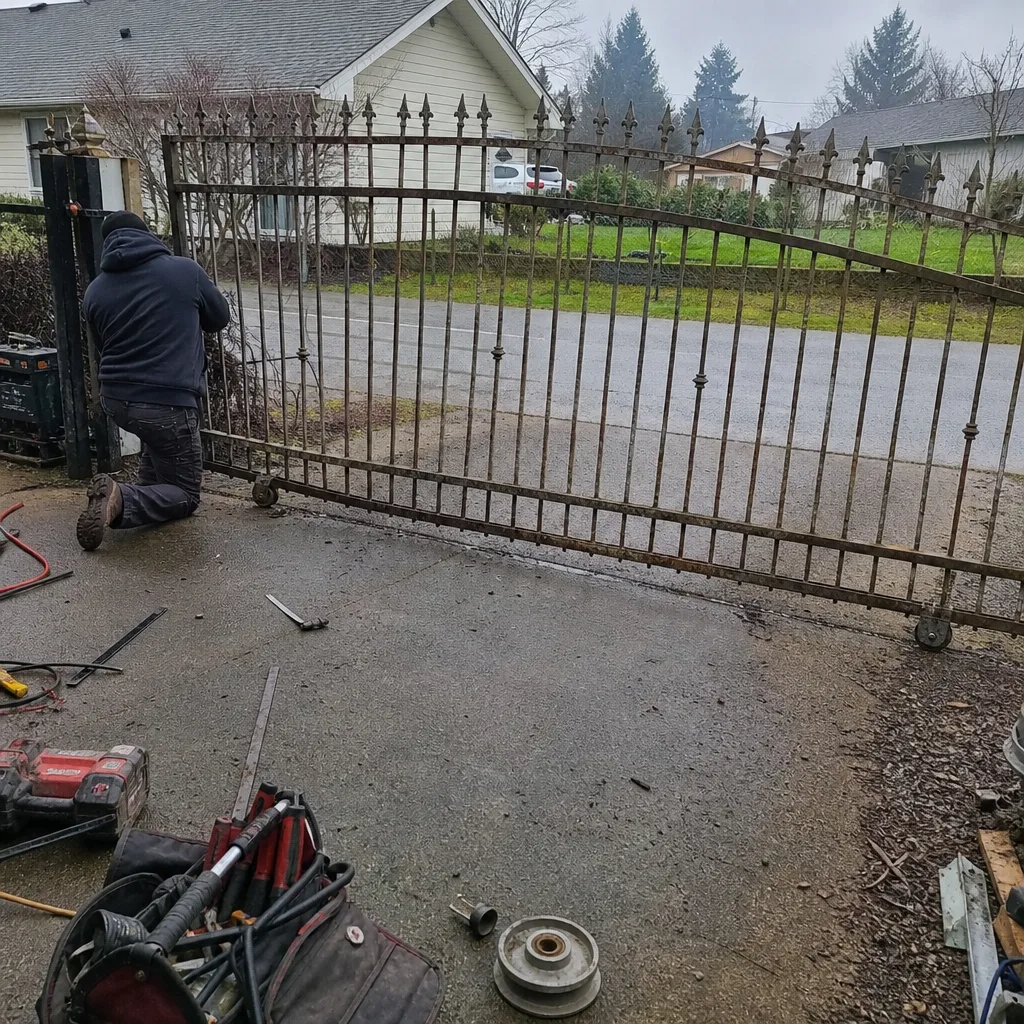 Before
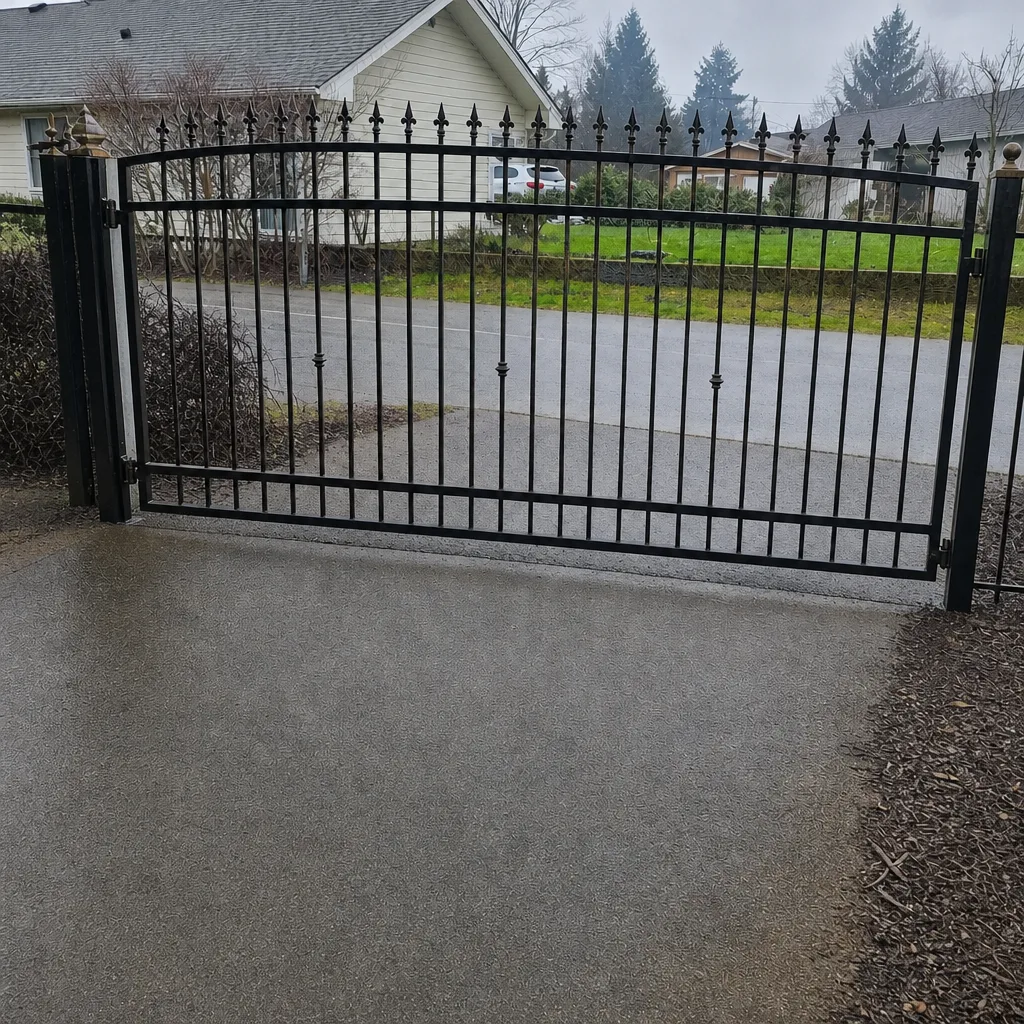 After
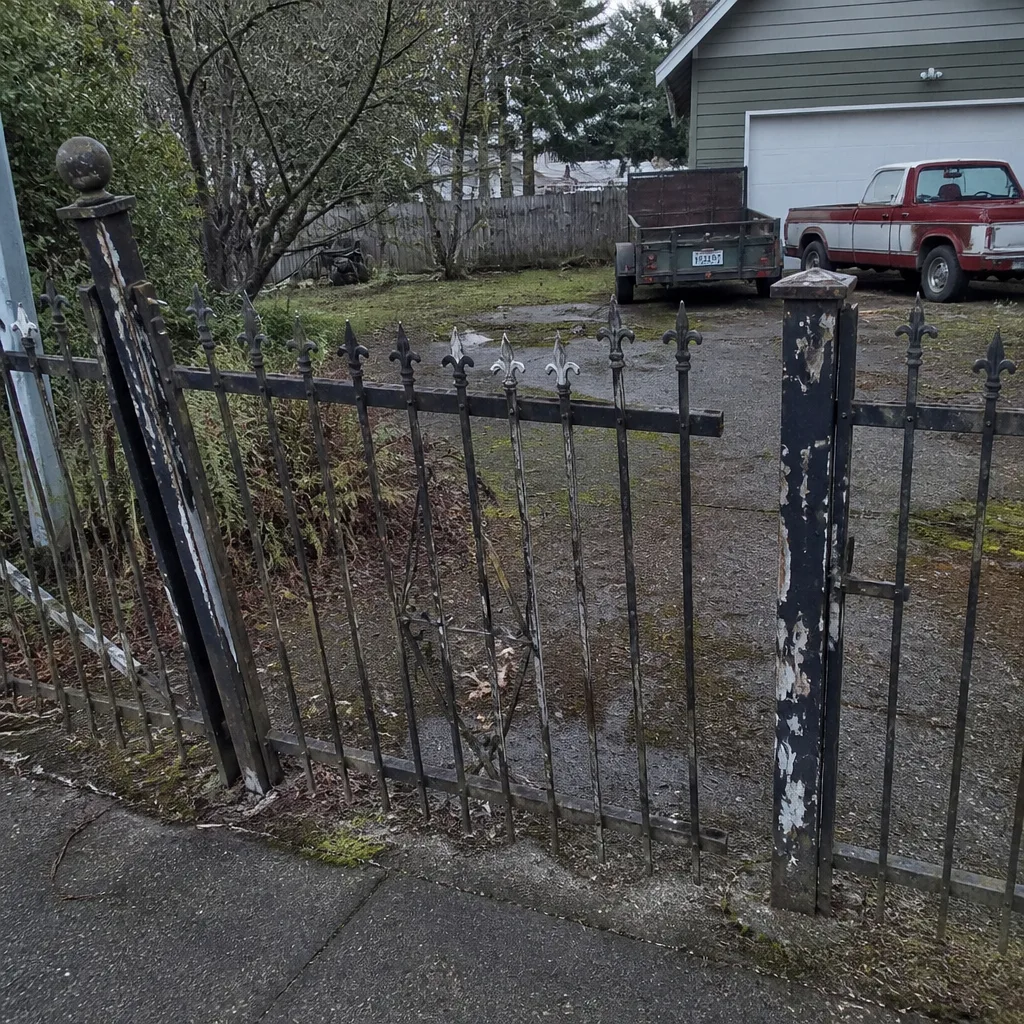 Before
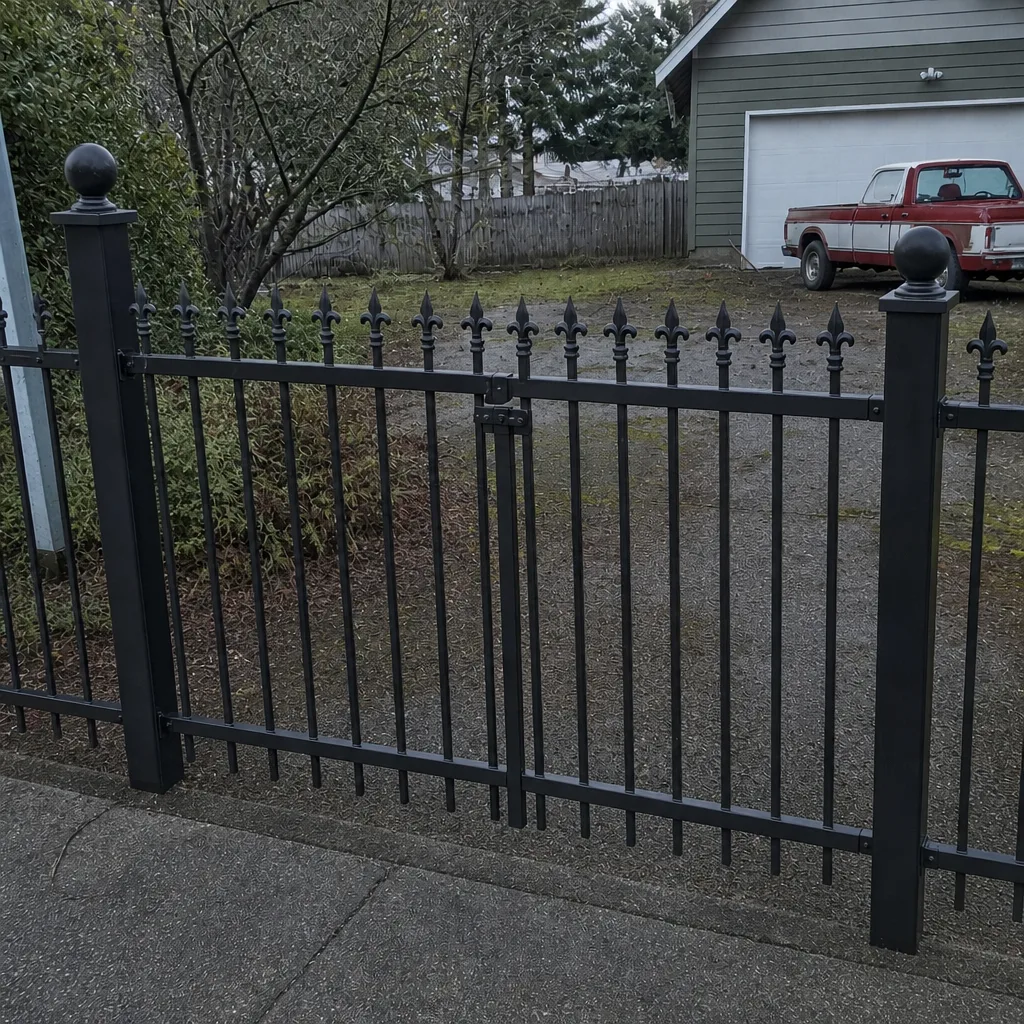 After
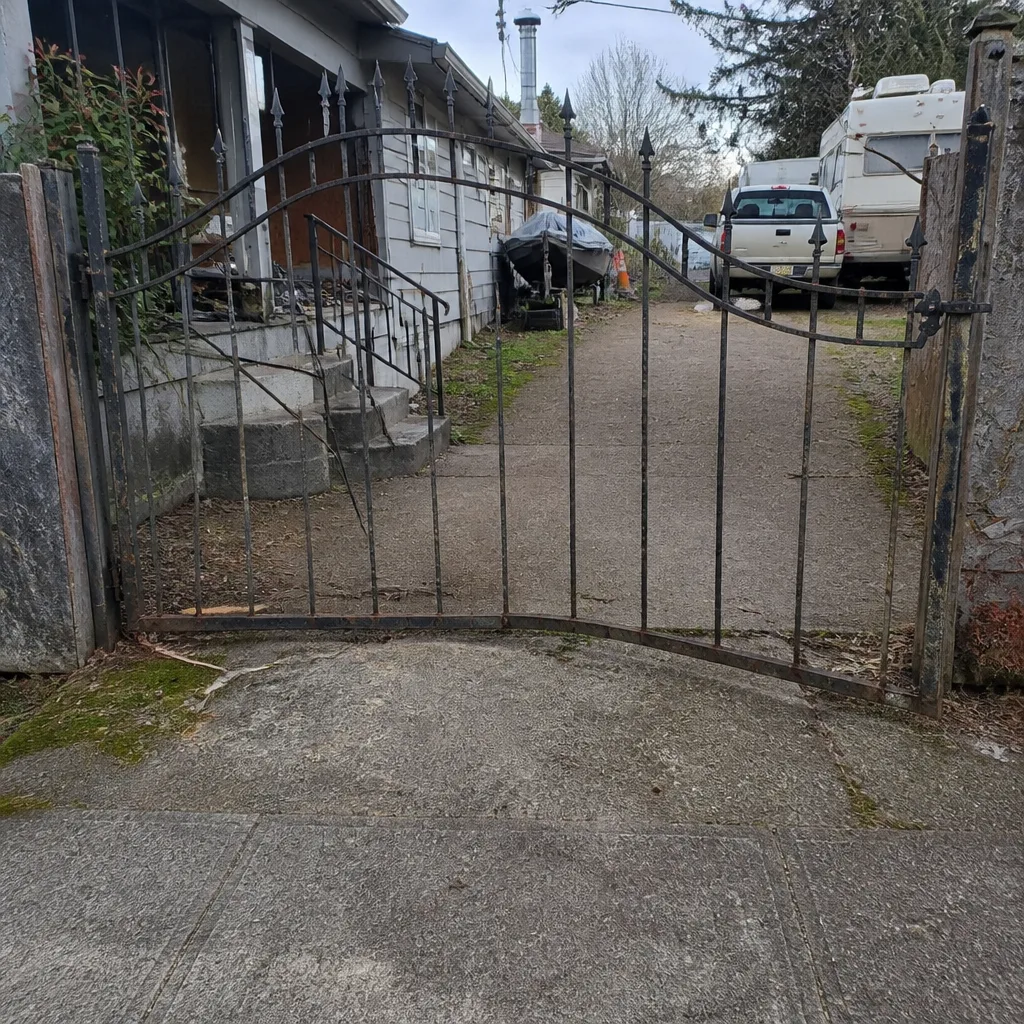 Before
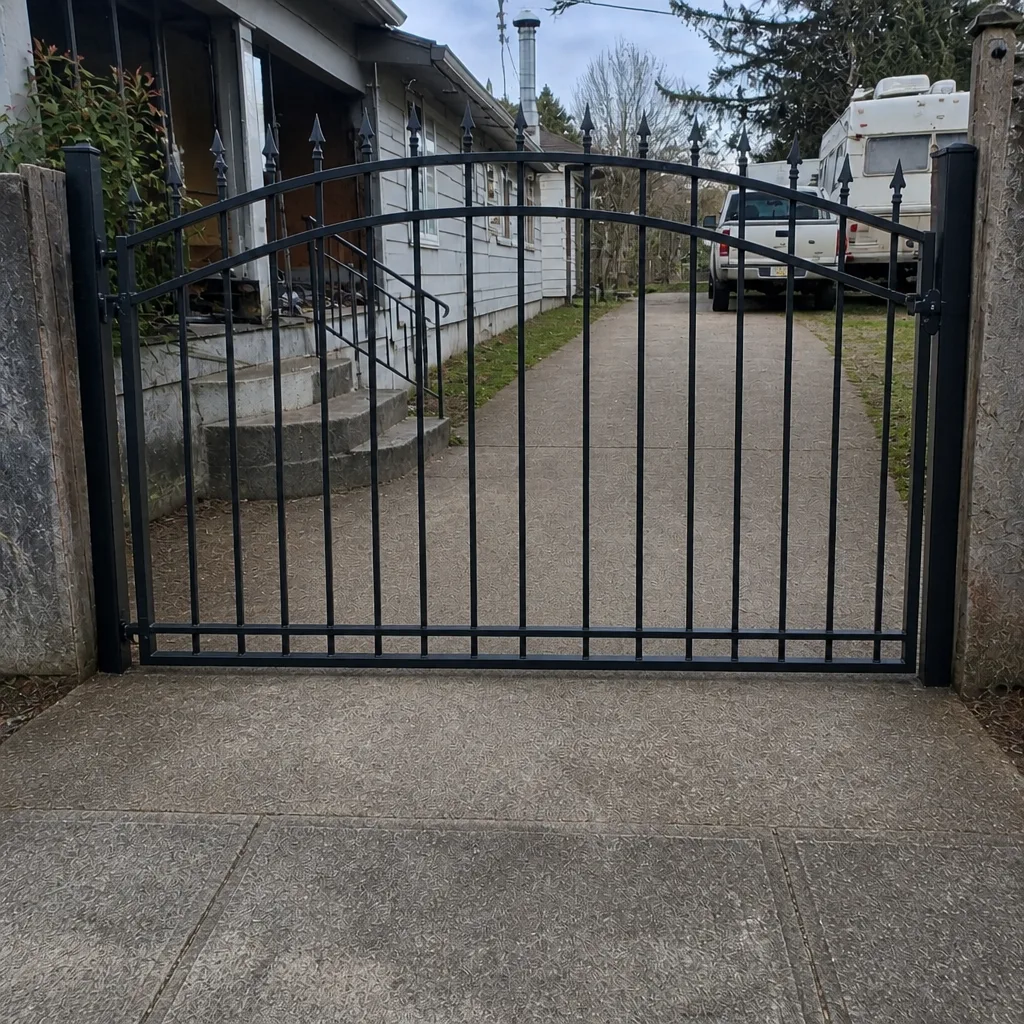 After
When to Call a Professional
Call a gate specialist today if the gate reverses without obstruction, the motor hums without moving the gate, you smell burning near the operator, the gate has dropped visibly, or you can see exposed wiring at any part of the automated system. Those are Tier One signs, and none of them are safe to run. Call for a visit in the coming week if the gate hesitates, drags at one point, works from one input but not another, or is starting to drift out of alignment. Add cosmetic items to the next service call instead of paying for a visit to fix a squeak. Gate Repair St. Johns offers free estimates in St. Johns. Call (833) 513-9268 and describe the symptom before you call out of hours; we’re open Sunday through Friday, 7am to 7pm, and closed Saturday.
Frequently Asked Questions
No. Most Tier Two signs are minor adjustments if they’re caught early: a sensor alignment, a roller replacement, a limit switch reset. The expensive repairs happen when a Tier Two sign (like a hesitation or a drag) is left long enough to become a Tier One failure (like a burned-out motor or a failed control board). The cheapest repair on any automated gate is the small one you schedule before the failure, which is why the triage matters more than the repair cost. Call (833) 513-9268 for a free estimate before a small issue becomes a big one.
A misaligned gate has a fixed offset that stays the same every cycle; a gate with a moving foundation gets worse over days or weeks. Check the post base for cracks or a gap at the ground, and watch the gate after wet weather: if it sits differently after rain and re-levels when the ground dries, the foundation is the likely cause. Don’t adjust the hinges on a gate you suspect has a foundation issue. Call us and we can help you sort out which one you’re dealing with.
For Tier One signs, yes. Automated gate failures involving the motor, the control board, or the safety devices are the cases where a same-day visit matters, and we treat them that way. For Tier Two signs, we schedule for the coming week, measured by what your description tells us. Call (833) 513-9268 and describe what you’re seeing. We’re open Sunday through Friday, 7am to 7pm, and closed Saturday, so if your gate fails on Saturday, call and we’ll book the earliest Sunday visit.
Check that the gate has power, then video two full cycles, photograph the operator’s model plate, and note whether the keypad works when the remote doesn’t. That information lets us triage remotely and arrive with the right parts, which is often the difference between a one-hour repair and a two-visit job. Don’t open the operator housing if the wiring is exposed; that’s a Tier One safety issue and belongs with a trained technician. We’ll tell you on the phone whether to keep the gate running while you wait.
A LiftMaster gate that reverses with no obstruction, or refuses to close, is usually a safety sensor issue rather than a motor problem. The sensor LEDs will tell you which side is unhappy, but the cause is typically a misaligned lens, a wire chewed by weather or rodents, or a sensor blinded by low sun. Never bypass a safety sensor to “get the gate to close”; it’s the feature that stops the gate from crushing a person or a vehicle. Call us and we’ll diagnose it properly.
We handle both. HOA entries and commercial gate systems are a normal part of what we work on alongside residential driveway gates, including the access control side: keypads, intercoms, and entry systems. That means an HOA entry that fails at the keypad and a driveway gate that fails at the motor are handled with the same gate-exclusive focus. See our gate access control page for that side of the work, or call (833) 513-9268 for an estimate.
The Bottom Line
Gate warning signs are only useful if you know which tier you’re in. Tier One signs, meaning reversal without obstruction, a humming motor, burning smells, a dropped gate, or exposed wiring, mean stop using the gate and call today. Tier Two signs, like hesitation, drag, or a drifting alignment, should be scheduled in the coming week before they escalate. Tier Three items belong on the next service visit. Document what you see, avoid adjusting hinges on a gate with a moving foundation, and don’t bypass a safety sensor. Stay on top of the small signs and the expensive repairs stay away. Written by the team at Gate Repair St. Johns.
If a warning sign has you wondering whether to call, call (833) 513-9268 for a free estimate. We’re open Sunday through Friday, 7am to 7pm, and closed Saturday. Describe what you’re seeing and we’ll tell you whether it’s a today call or a next-week call.
Written by the team at Gate Repair St. Johns.